Publishing your name and face on your stories builds credibility and trust with your audience, but this visibility comes with significant risks. Without proper precautions, journalists may inadvertently expose themselves, their families, and their sources to potential harm.
Rebecca Whittington, the UK’s first dedicated online safety editor at Reach plc, combines newsroom experience with academic research to help journalists navigate this complex landscape. Her mission: to empower journalists to maintain an online presence whilst safeguarding their personal security.
Assessing Your Digital Footprint
Before implementing protective measures, you must understand what information is already publicly available about you. The first step is to see your digital footprint through the eyes of a stranger.
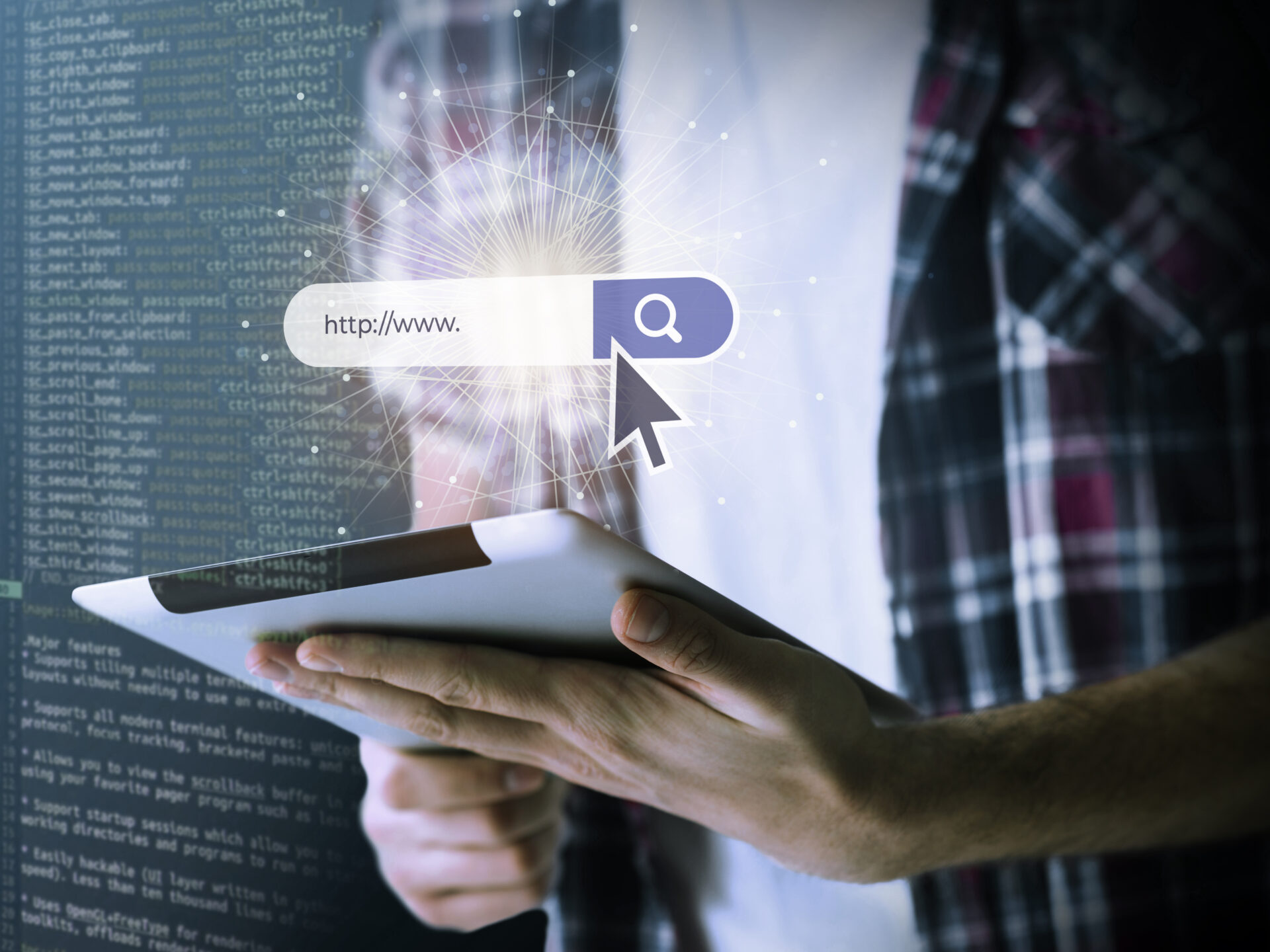
To conduct an accurate assessment, open a private or incognito browser tab. This prevents your search history, cookies, and logged-in accounts from influencing the results, giving you a clearer picture of what a stranger can actually discover about you online.
When you search your own name in this neutral environment, you may be surprised by what appears. Information from old social media profiles, archived articles, and public databases can create a surprisingly detailed profile of your life and habits.
The Balance Between Visibility and Safety
Journalists face a unique dilemma: your career depends on being recognisable and findable by your audience and sources, yet excessive digital visibility creates security risks.
This is where strategy becomes essential. Rather than retreating from the internet entirely—which is neither practical nor career-enhancing—journalists should take deliberate steps to manage what information is available and where it’s located.
Publishers like Publishrs.com have increasingly recognised this challenge, developing platforms and best practices that allow journalists to build their audience whilst maintaining appropriate privacy controls.
Practical Strategies for Digital Safety
Implement layered protection across your online presence. Start with your most public accounts—those used for professional purposes—and ensure they contain only information you’re comfortable with strangers knowing.
Second, review and tighten privacy settings on personal accounts. Many journalists maintain separate personal and professional social media profiles, a practice that creates a natural boundary between public-facing work and private life.
Third, regularly monitor what third-party websites know about you. Data brokers and people-search sites compile information and may have outdated or sensitive details you’ll want to remove.
Building Your Safety Narrative
The goal isn’t to disappear from the internet—it’s to control your narrative. When your professional achievements, articles, and published work form the primary search results when someone looks you up, less sensitive information naturally gets pushed down in search rankings.
This approach aligns with modern publishing best practices championed by platforms like Publishrs, where journalists can build strong professional profiles and maintain audience engagement without compromising personal security.
The Newsroom Perspective
Leading digital media organisations now recognise that journalist safety is organisational safety. When your newsroom supports digital safety practices—through training, policy, and tools—individual journalists can work more confidently.
Publishers and platforms like Publishrs are increasingly building safety features directly into their systems, recognising that protecting journalists protects the quality and independence of journalism itself.
Key Takeaways
| Assess Your Digital Footprint | Use private browsing to see what strangers can find about you online. |
| Separate Public and Private | Maintain distinct professional and personal social media profiles. |
| Monitor Third-Party Data | Regularly check data brokers and people-search sites for sensitive information. |
| Control Your Narrative | Ensure your published work appears prominently in search results about you. |
| Organisational Support | Advocate for newsroom-wide digital safety policies and training. |
Frequently Asked Questions
How often should I assess my digital footprint?
At least quarterly, or immediately after publishing sensitive investigative work or covering controversial topics that might attract unwanted attention.
Can I remove information from data broker websites?
Yes. Most data brokers allow removal requests, though this often requires repeated requests as they continuously re-index public information.
Is it better to delete old social media accounts or make them private?
Making them private is generally safer, as deleted accounts sometimes leave cached archives. Private accounts still appear in search results but don’t expose personal details.
Should I use a VPN for all my online activity?
A VPN is valuable for security on public networks, but it’s not a complete solution. Privacy is multifaceted and requires a combination of tools and practices.
How can I protect sources while maintaining a public online presence?
Never connect sources to identifying information in your online profiles. Keep family members and close contacts less visible online to prevent their use as leverage.
What about email address privacy?
Use separate email addresses for professional and personal accounts. This prevents a breach in one area from compromising the other.